Proposal reactions
1 min. læsning
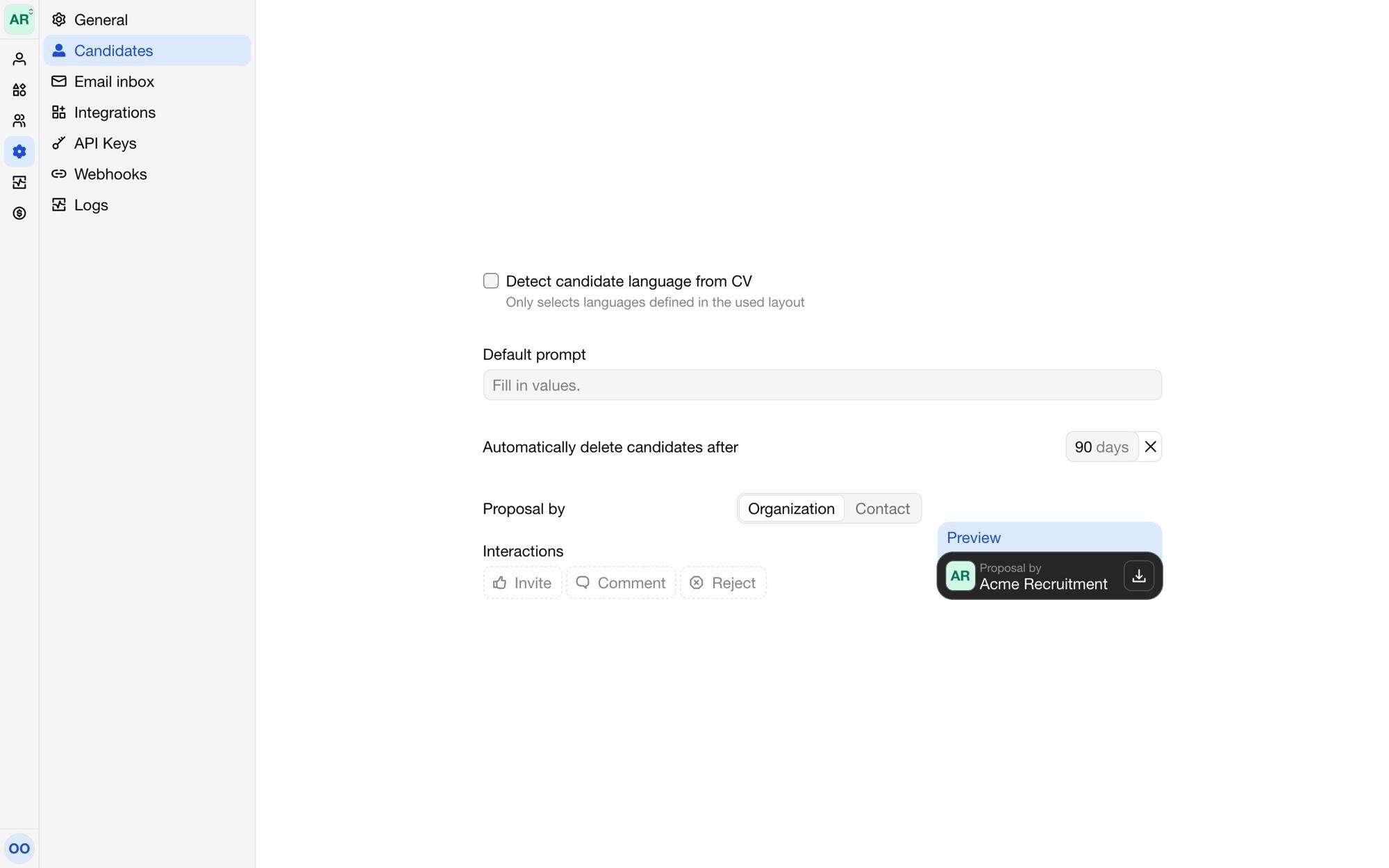
A client who opens a proposal's weblink can respond to it with a click: invite the candidate, reject them, or comment on a part of the proposal. Set this up under Settings → Candidates.
Proposal by
Proposal by sets who the proposal is from: your Organization, or the candidate's Contact, the colleague set in the editor.
Reactions go to the candidate's contact, so the buttons only show on proposals of candidates that have one.
Interactions
Under Interactions, choose which buttons the proposal shows and what each one does:
Invite: the client wants to meet the candidate.
Reject: the candidate isn't a fit.
Comment: the client selects text in the proposal and asks a question about it.
Each button either opens an Email to the contact, with a subject and body you write, or a Link, such as a form or booking page. Emails and links can include:
{{candidate}}: the candidate's name,{{proposal_url}}: the link to the proposal,{{user.name}}: the name of the contact,{{selection}}: the selected text, for comments.
The preview on the settings page shows the result with an example candidate.