Your account
1 min lezen
Your account is personal: you sign in with it to every organization you're a member of. Manage it under Settings in your account menu.
Signing up
Sign up with your email address. CV-Transformer emails you a one-time password to confirm it. You then fill in your profile, set a password and create your organization, which starts with a free seven-day trial.
When a colleague invites you, you get an email to join their organization instead. Sign in with the one-time password it sends you.
Signing in
Sign in with your email address and password, a one-time password sent to your email, or a passkey. Forgot your password? Choose Forgot password? to get a one-time password, then set a new password under Authentication.
Didn't receive a one-time password? Check your spam folder, or choose Send new one-time password.
Profile
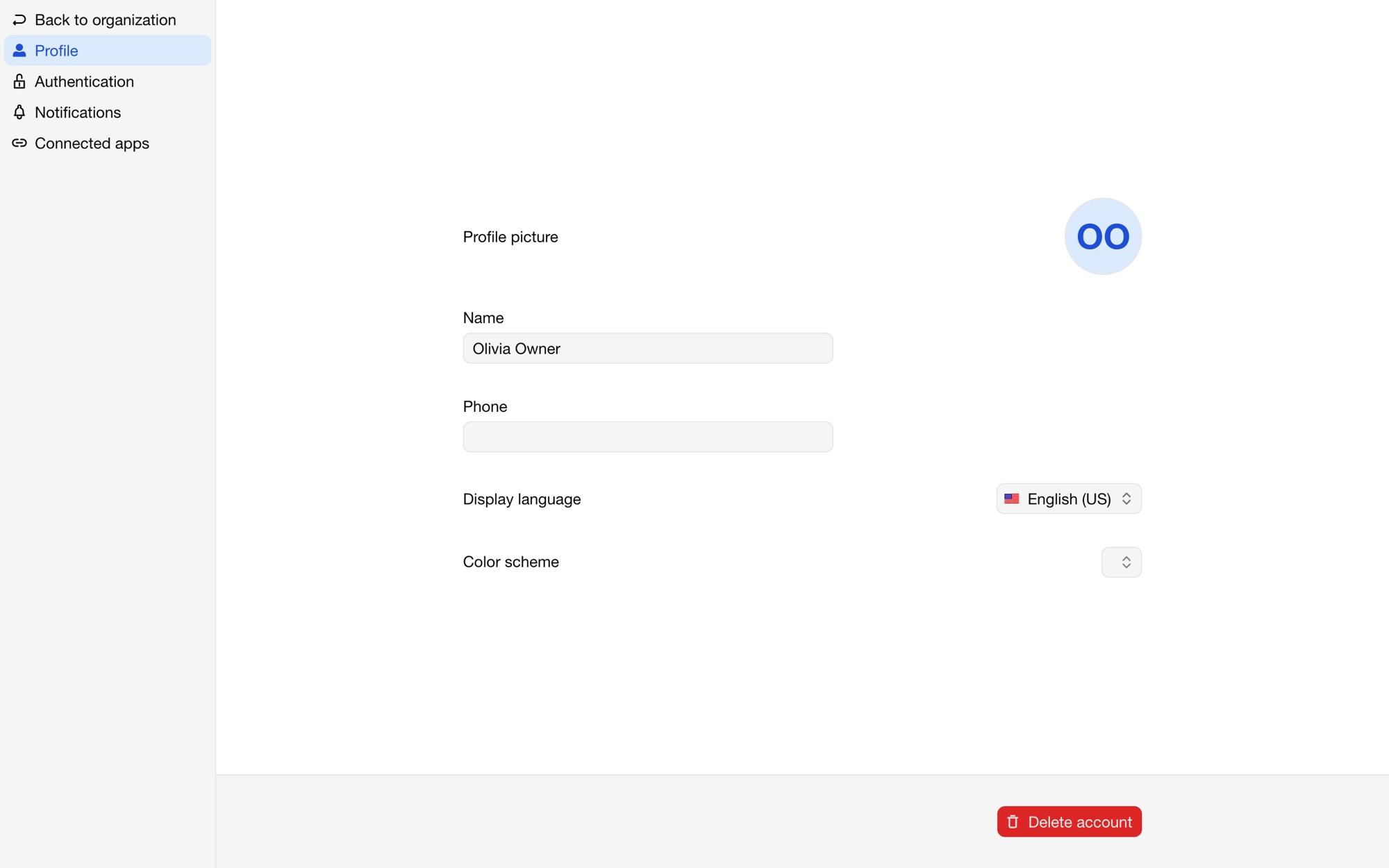
Under Profile, set your name, profile picture, phone number, the Display language of CV-Transformer and the Color scheme. Your name, picture and contact details can show on proposals of candidates you're the contact of.
Authentication
Under Authentication:
change your email address: confirm the change from both your old and your new inbox;
change your password;
add Passkeys, such as your fingerprint or a security key, to sign in without a password;
turn on Multi-factor authentication with an authenticator app. Organizations can require it of their members.
Notifications
Under Notifications, choose whether you get emails about organization invites and product updates.
Connected apps
Under Connected apps, see and disconnect the apps you gave access to your organizations. See Connected apps and OAuth.
Deleting your account
Delete account under Profile deletes your account and removes you from your organizations. Their candidates and layouts stay with the organization.