Email inbox
1 min čtení
Each organization has an email address that turns emailed CVs into candidates. Set it up under Settings → Inbox.
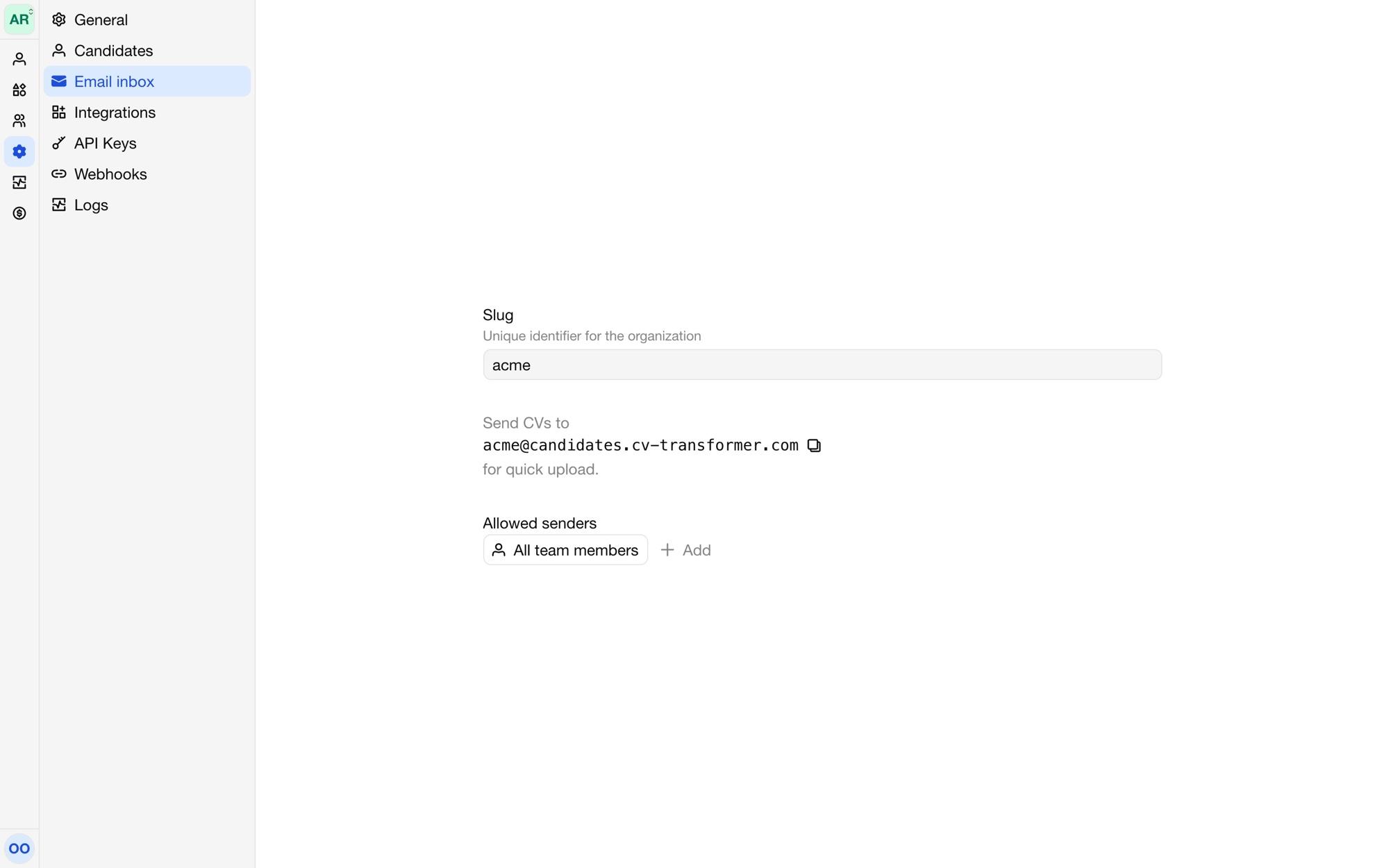
The address
The address is {slug}@candidates.cv-transformer.com. Change the Slug to make it easy to remember, such as acme@candidates.cv-transformer.com.
Who can send
Members of the organization can always send CVs to the address. Add other senders, such as a shared recruitment mailbox, under Allowed senders. Use * as a wildcard: *@example.com allows everyone at example.com. Emails from other addresses are refused.
What happens
For each email, CV-Transformer:
picks the most suitable attachment, PDFs first;
creates a candidate with your default layout, with the sender as contact when they're a member;
fills in the layout from the attachment, in the candidate's language;
emails the sender when the candidate is ready.
Each candidate uses one credit. When you're out of credits, the candidate is created as pending. See Adding candidates.