CV parsing with AI
CV-Transformer's CV parser reads a CV in any format, including scans and two-column PDFs, and extracts the details your layout or your own schema asks for: personal details, work experience, education, skills and anything else in the CV. Recruiters get the result as a branded CV; developers get it as JSON through the API.
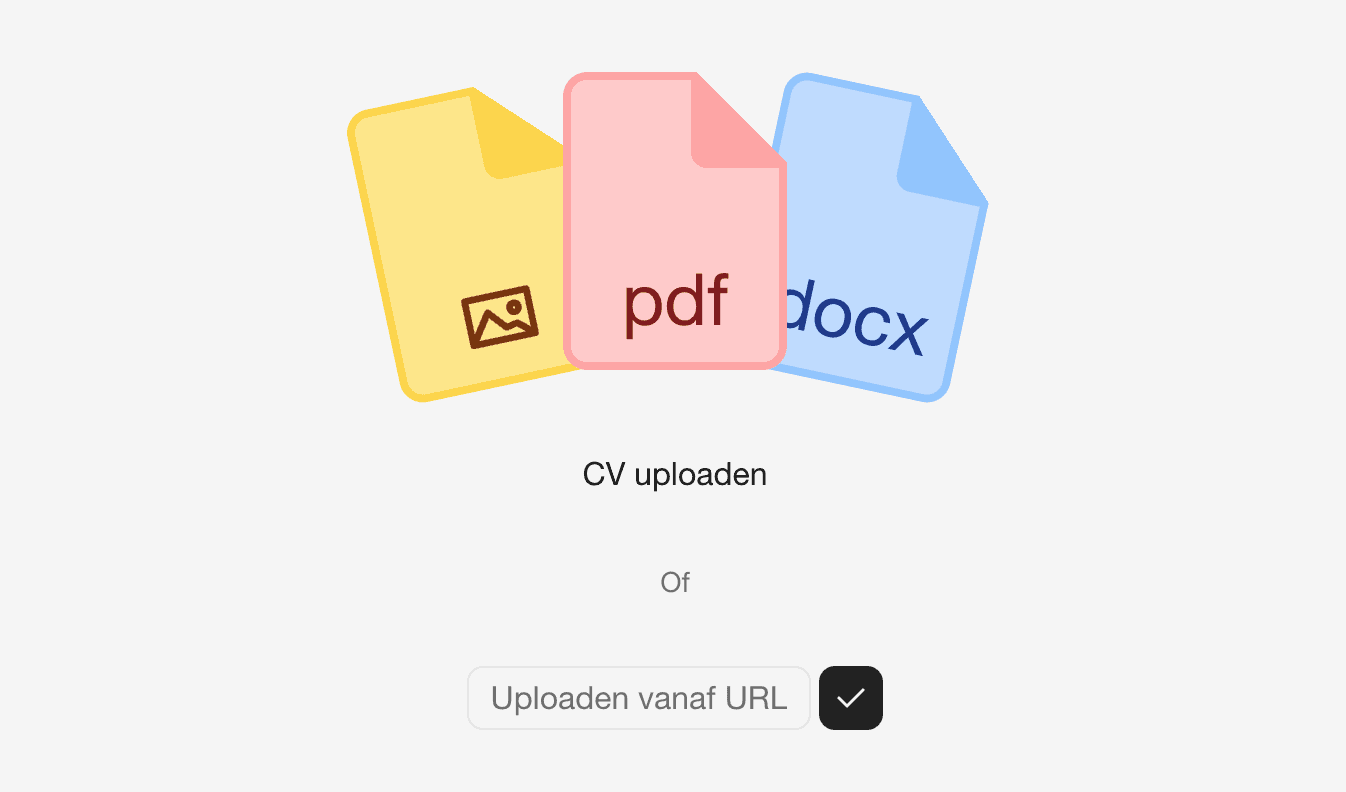
Files it reads
Documents: PDF, Word (.doc, .docx), RTF, OpenDocument text
Text: Plain text, Markdown
Spreadsheets: Excel (.xls, .xlsx), OpenDocument spreadsheet, CSV
Presentations: PowerPoint (.ppt, .pptx), OpenDocument presentation
Data: JSON, YAML
Images: BMP, GIF, HEIC, HEIF, JPEG, PNG, SVG, TIFF, WebP
Scanned CVs and photos of CVs are read as images. A candidate can have several files, such as a CV, a LinkedIn profile and a vacancy, and the parser uses all of them.
What it extracts
Unlike a parser with a fixed set of fields, CV-Transformer extracts what you ask for. Out of the box that covers:
Personal details: name, photo, address, date of birth, nationality, email address, phone number and LinkedIn profile
Profile: the introduction or personal summary
Work experience: job titles, employers, dates and descriptions
Education: degrees, schools, dates and descriptions
Courses and certifications
Skills, languages and achievements
Volunteer work, interests and references
Need something else, such as security clearances, driving licences or rates? Add a field to your layout, or to your schema in the API, and the parser fills it in. It writes in the candidate's language, or translates when you ask.
Parsing versus formatting
A CV parser turns a CV into structured data, usually for an ATS. A CV formatter also puts that data into a designed document you can send to a client. CV-Transformer does both: it parses the CV into your layout's fields, and the layout turns them into a branded PDF, Word document or weblink. See CV formatting software.
CV parsing API
Parse CVs from your own software in three calls:
POST /candidatescreates a candidate.POST /candidates/{candidate_id}/attachuploads the CV.POST /candidates/{candidate_id}/extracttakes a JSON Schema and returns the CV's data in that shape.
Send the schema of exactly the data you need, for example:
{
  "type": "object",
  "properties": {
    "name": { "type": "string" },
    "email": { "type": "string" },
    "work_experience": {
      "type": "array",
      "items": {
        "type": "object",
        "properties": {
          "title": { "type": "string" },
          "employer": { "type": "string" },
          "start": { "type": "string" },
          "end": { "type": "string" }
        }
      }
    }
  }
}
See the API reference and API keys. AI assistants can parse CVs through the MCP server.
Data protection
CVs are stored in Frankfurt, Germany, and deleted after 90 days by default, or after the period you set. The default AI model, Mistral, is configured not to use your data for training. See Security and privacy.
Frequently asked questions
What is CV parsing?
CV parsing is reading a CV automatically and turning it into structured data, such as name, work experience, education and skills, so nobody has to retype it.
Can CV-Transformer parse scanned CVs?
Yes. Scans and photos of CVs are read as images, as are image-only PDFs.
Can I parse CVs into my own data format?
Yes. Send a JSON Schema to the extract endpoint and you get the CV's data back in that shape.