Layout library
1 分で読めます
The layout library has ready-made layouts you can copy into your organization and adjust to your branding. Browse it at Layouts.
Using a layout from the library
Open a layout in the library and click Use layout. CV-Transformer copies it into your organization, or asks which one when you're a member of several. The copy is yours: changing it doesn't change the original.
You can also start from the library in CV-Transformer: on the Layouts page, click Layout → Pick from layout library. Choose From scratch for an empty layout instead.
Managing your layouts
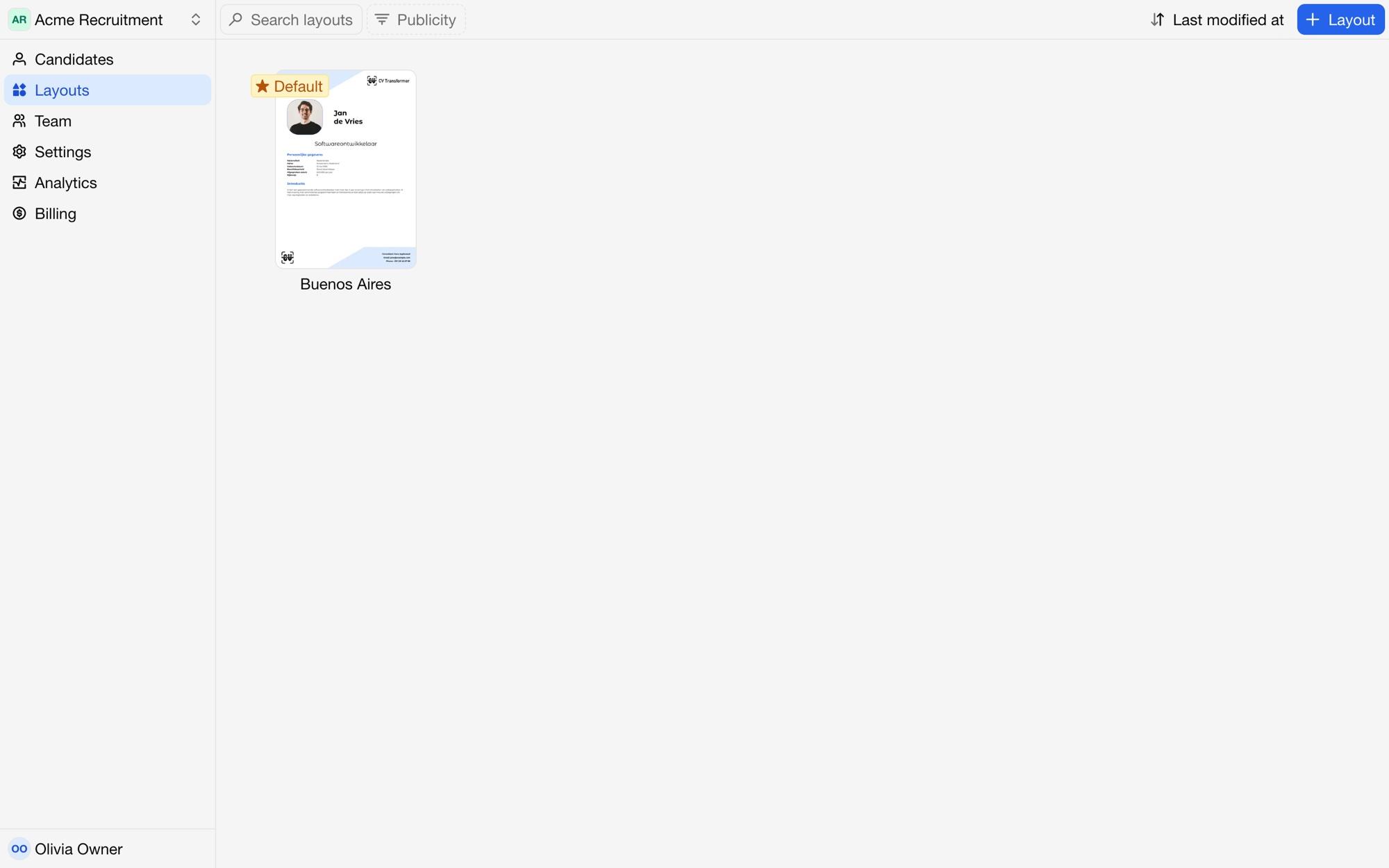
The Layouts page lists your organization's layouts. Each layout's menu has:
Rename and Duplicate.
Make default layout: new candidates, including those from your ATS and email inbox, get the default layout. The first layout you add becomes the default.
Archive: archived layouts remain available for existing candidates, but can't be used for new ones. Unarchive brings a layout back.
Delete.
Publish to layout library: see Publishing layouts.
Transfer to other organization, when you're a member of more than one.
Filter the list by Publicity to see your published or private layouts.